
Cart 2 india


In2Cart
Rs. 0

0


Home / Electronics / Bundles
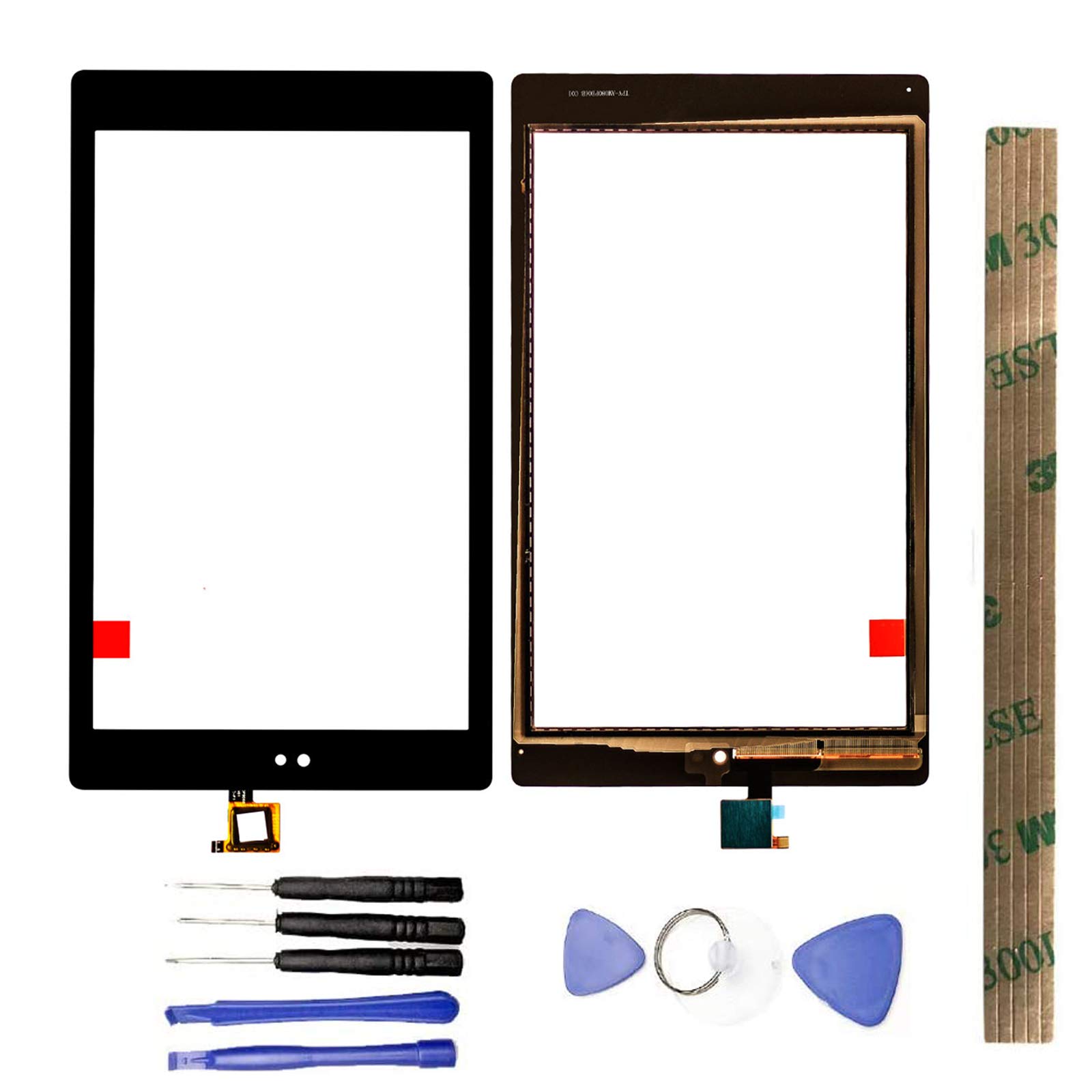

Product Information
Specification
BatteriesIncluded : 1
BatteriesRequired : 1
Brand : JayTong
BulletPoint1 : Compatible With:Amazon Fire HD8 HD 8 8th Gen 2018 L5S83A
BulletPoint2 : Customers should buy additional Tools Besides Our Essential Device Opening Tools.
BulletPoint3 : Each screen is tested before shipping to ensure 100% functionality.If you have any question,feel free to contact us.
BulletPoint4 : All the items are fragile,should be tested before installation. Can't accept the return screen which installation attempt has been made .
BulletPoint5 : Please make sure you identify your Tablet correctly before purchase.Wrong model may damage your Tablet.Not t included installation instruction,pls do'nt install it without any experience.
Color : Black
CompatibleDevices : Tablet
ExternallyAssignedProductIdentifier : 8903825019719
ExternallyAssignedProductIdentifier1 : 0791519877619
ExternallyAssignedProductIdentifier2 : 791519877619
ItemName : JayTong Digitizer Touch Screen Outer Screen Glass Replacement with Free Tools for Amazon Fire HD8 HD 8 8th Gen 2018 L5S83A Black
ItemPackageQuantity : 1
ItemTypeKeyword : e-book-reader-accessory-bundles
Manufacturer : JayTong
Material : rubber
ModelNumber : Amazon Fire HD8 HD 8 8th Gen 2018 L5S83A
PartNumber : PB-TP-0008
ProductDescription : Note:
-- This item is not lcd display , if your tablet can‘t display any more, pls don’t buy the item from this listing ,we advise you buy the lcd with touch screen assembly from another listing .
- Replacing/repairing old, broken, cracked, damaged, touch is not working, touch response issues.
-The flex cable is very sensitive and is easily damaged. Handle carefully.
- We strongly suggest test the item received before installation, pls don't remove protective film or tags when testing;
Test steps:
1. clean the flex cable of screen and the slot of the motherboard before test;
2. connect new screen to the motherboard tightly;
3. make sure battery was charged fully, and pls also make sure your motherboard is not broken;
4. Power on ,tested finished.
Please be careful during the installation process. Any problems, please contact us in time. Do not force the installation. Thank you.
ProductSiteLaunchDate : 2021-01-18T09:33:29.375Z
UnspscCode : 43210000
