
Cart 2 india


In2Cart
Rs. 0

0




Product Information
Specification
Brand : Generic
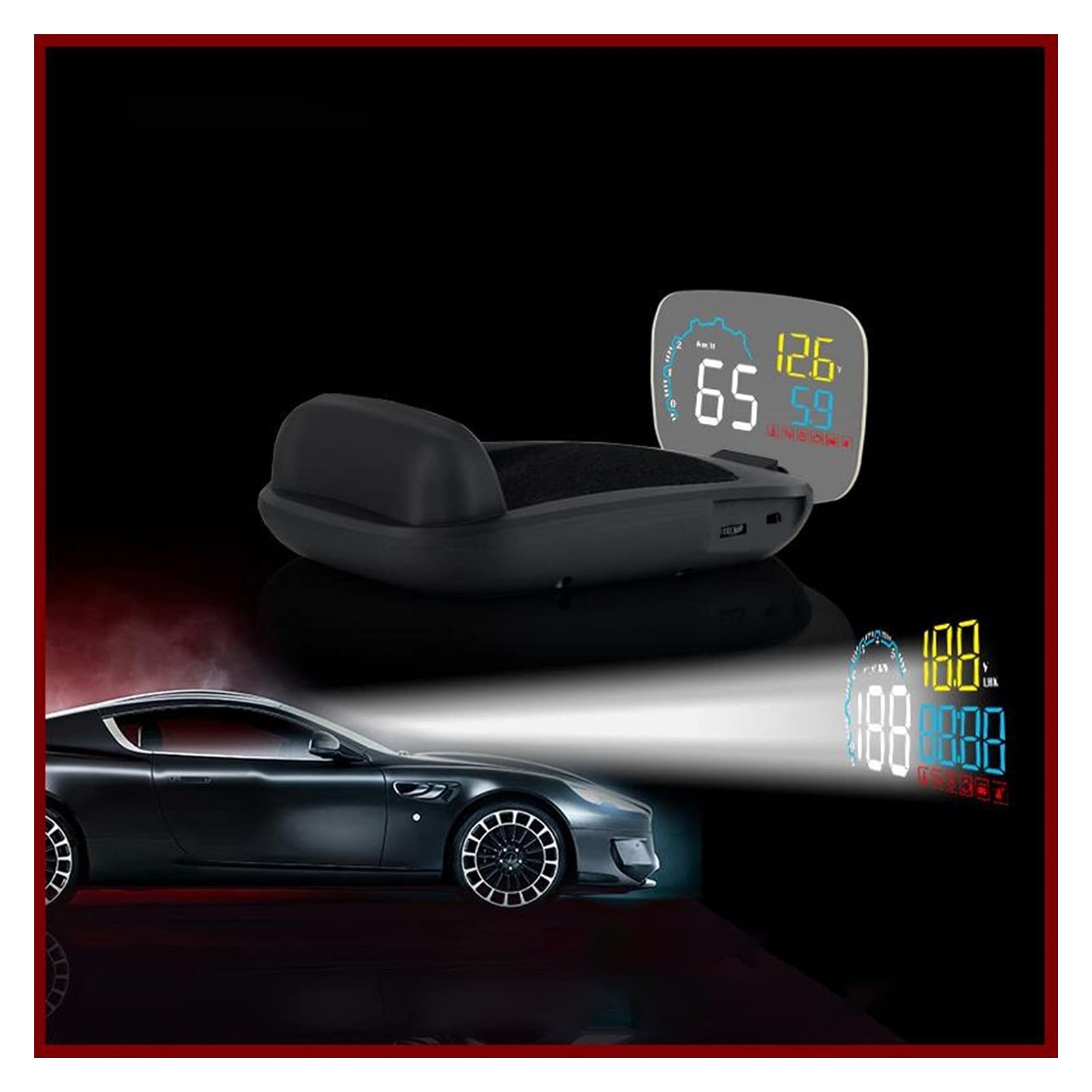
BulletPoint1 : Real data from OBD 2 Port, Display Car Speed, water temperature, Oil temperature, voltage, fuel consumption, RPM, single mileage, total cumulative mileage, driving time, system time, intake pressure, air-fuel ratio, pressure(if your car engine has no turbo funtion, then this function will be invalid), intake pressure,speed up test, brake test, read data stream. Engine Faulty number
BulletPoint2 : Alarm for: Overspeed alarm,High water temperature , Low voltage, Engine fault,
BulletPoint3 : Smart Fuctions: Clear fault code, Switching between kilometer and miles, and Fahrenheit .
ExternallyAssignedProductIdentifier : 9446289136305
ItemName : Head-up Display C600 OBD2 Smart Display Speedometer Temperature Car Electronics Speed Projector HUD On The Windshield
ItemPackageQuantity : 1
ItemTypeKeyword : vehicle-overhead-video
Manufacturer : Lifyn2
NumberOfItems : 1
PartNumber : 1005003189862885
ProductDescription : Compatible:
Two factors will show if your vehicle is OBD II compliant:
1. There will be an OBD II connector, and
2. There will be a note on a sticker or nameplate under the hood stating "OBD II compliant" or "OBD II Certified".
Savana, have special interface, may not compatible with this product, and we suggest Q7
<;As below we listing some cars can not be used for this Head up display >
HUD Display Packing
1x C600Head Up Display
1 x Reflective Film
1 x OBD Cable
1 x Antiskid Pad
1 x English User Manual
HUD just available for cars with OBD2 agreement and EU-OBD agreement(European region: after 03 years, Other region:after 07 years)
HUD Products donnot support JOBD and OBDI and recommended test for another car.
3.See not clearly when HUD under the sunlight,and with double reflection.
Check whether the HUD host surface protective film is torn,and please stick the reflection film on the windscreen.And vertical press in the setting button for 5 seconds to enter into menu setting when HUD is power on,short press 2 times to menu 2,adjust the parameter to 5,vertical press in 5 seconds to save.
4.wrong operation lead to crashes. Or inaccurate datas
Do a reset setting.
5.Inaccurate Speed
a.First check the speed unit is correct or not, the speed unit including KM/H and MPH, short press in the wave button to switch between KM/H and MPH
b.When HUD is power on,vertical press the setting button for 5 seconds to enter into the menu options, find menu 1,the parameter shows 107,up or down the setting button to increase or decrease the value according to the difference until it shows correct one.After adjustment, vertical press in 5 seconds to save it.
ProductSiteLaunchDate : 2022-08-26T08:00:42.281Z
UnspscCode : 41110000
