
Cart 2 india


In2Cart
Rs. 0

0



Product Information
Specification
Brand : Pilipane
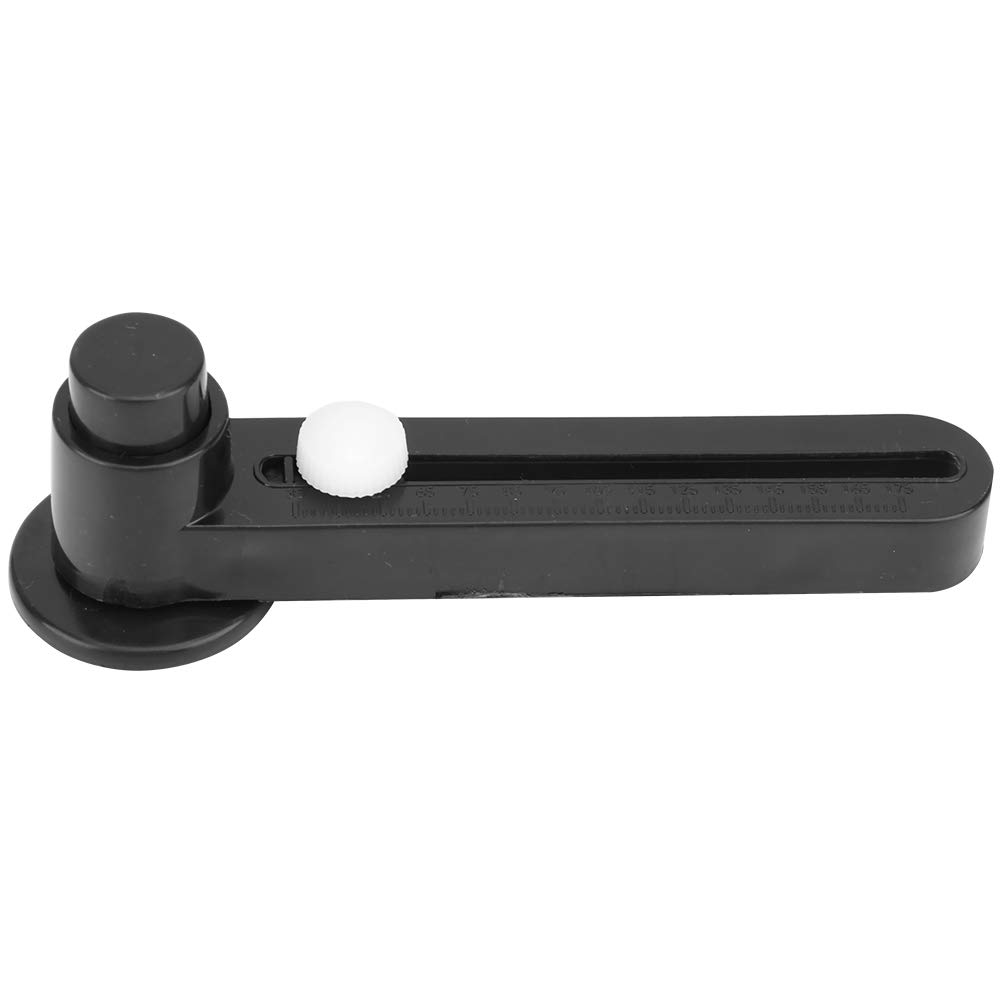
BulletPoint1 : [EASY BLADE INSTALLATION] Installing the blade is a breeze with this circle cutter. Simply insert the blade into the bracket with the outer edge facing out, tighten the screw securely using a screwdriver, and you're ready to go. This ensures a stable and precise cutting experience every time.
BulletPoint2 : [SECURE BLADE HOLDER SETUP] The blade holder is designed for maximum stability. Start by placing the large nut into the hexagonal groove of the blade holder. Then, position the blade holder on the handle turning wheel with the blade tip pointing outward. Tighten the set screw to secure the blade, ensuring it stays in place during use.
BulletPoint3 : [PRECISE CENTER CIRCLE CREATION] Achieving a center circle is simple. Place your photo or art paper on a flat surface, and position the seat on the desired spot. The center point of the seat acts as your guide, ensuring your circle is ly centered every time.
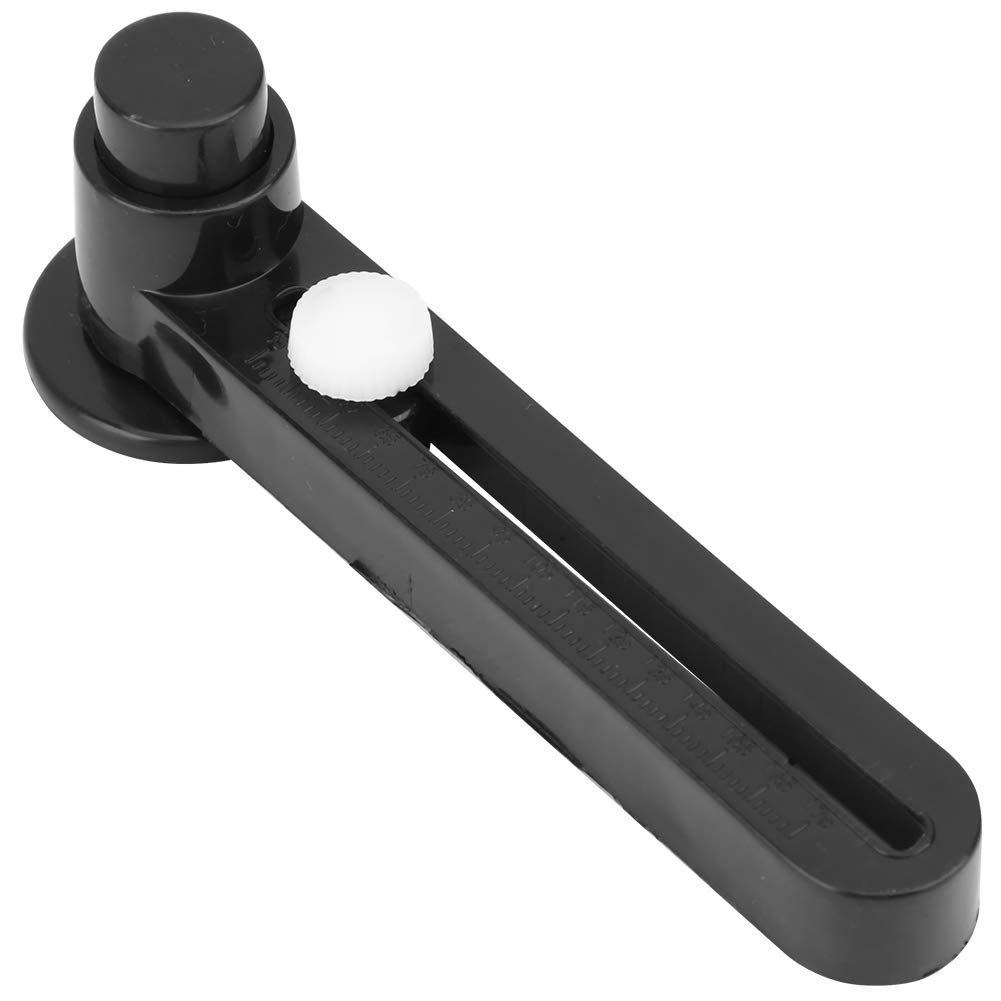
BulletPoint4 : [ADJUSTABLE RADIUS SETTING] Customize your circle size with ease. Unscrew the adjustment screw to allow the blade holder to move freely along the track. Move the screw to your desired position to set the radius, giving you the flexibility to create circles of various sizes.
BulletPoint5 : [EFFORTLESS CIRCLE CUTTING] Cutting a circle is smooth and efficient. Insert the handle into the position seat with the edge facing down. Hold the seat steady with your left hand, then press the handle to cut a clean, precise circle in the direction of the blade's edge. for crafting and scrapbooking projects.
CareInstructions : Hand Wash Only
Color : Purple
CustomerPackageType : Standard Packaging
ExternallyAssignedProductIdentifier : 4968465321848
ExternallyAssignedProductIdentifier1 : 8809330769579
ExternallyAssignedProductIdentifier2 : 08809330769579
ExternallyAssignedProductIdentifier3 : 00652695354328
GpsrSafetyAttestation : 1
IncludedComponents : Flip Cutting Mat_Note
ItemName : Portable Adjustable Badge Photo Circle Cutter DIY Paper Cutting Rotary Cutter Tool for Crafting and Scrapbooking Black Plastic
ItemPackageDimensions_Height : 5 centimeters
ItemPackageDimensions_Length : 18 centimeters
ItemPackageDimensions_Width : 8 centimeters
ItemPackageQuantity : 1
ItemShape : Round
ItemTypeKeyword : rotary-cutters
Manufacturer : Pilipane
Material : Plastic, metal
Material1 : Polypropylene (PP)
Material2 : Thermoplastic Elastomer (TPE)
ModelName : Pilipanexgnv0ci1qp
ModelNumber : Pilipanexgnv0ci1qp
NumberOfItems : 1
PackageLevel : unit
PartNumber : Pilipanexgnv0ci1qp
Pattern : 116mm by 215mm by 3mm
ProductDescription : [EASY BLADE INSTALLATION] Installing the blade is a breeze with this circle cutter. Simply insert the blade into the bracket with the outer edge facing out, tighten the screw securely using a screwdriver, and you're ready to go. This ensures a stable and precise cutting experience every time.
[SECURE BLADE HOLDER SETUP] The blade holder is designed for maximum stability. Start by placing the large nut into the hexagonal groove of the blade holder. Then, position the blade holder on the handle turning wheel with the blade tip pointing outward. Tighten the set screw to secure the blade, ensuring it stays in place during use.
[PRECISE CENTER CIRCLE CREATION] Achieving a center circle is simple. Place your photo or art paper on a flat surface, and position the seat on the desired spot. The center point of the seat acts as your guide, ensuring your circle is ly centered every time.
[ADJUSTABLE RADIUS SETTING] Customize your circle size with ease. Unscrew the adjustment screw to allow the blade holder to move freely along the track. Move the screw to your desired position to set the radius, giving you the flexibility to create circles of various sizes.
[EFFORTLESS CIRCLE CUTTING] Cutting a circle is smooth and efficient. Insert the handle into the position seat with the edge facing down. Hold the seat steady with your left hand, then press the handle to cut a clean, precise circle in the direction of the blade's edge. for crafting and scrapbooking projects.
Spec:
Features:
1. Install the blade. Insert the blade into the bracket with the outer edge, tighten the screw, and secure the blade with a screwdriver.
2. Install the blade holder: First place the large nut in the hexagonal groove of the blade holder, then place the blade holder on the handle turning wheel with the blade tip pointing outward. Tighten the set screw and tighten the blade along the way.
3. Create a center circle. Place the photo or art paper in the glass and
ProductSiteLaunchDate : 2025-05-07T10:28:57.594Z
RecommendedUsesForProduct : General Crafting
RecommendedUsesForProduct1 : Arts, Crafts & Sewing
RecommendedUsesForProduct2 : Model
RecommendedUsesForProduct3 : Diy
RecommendedUsesForProduct4 : lea
Size : 2X6.3X16.5CM
SupplierDeclaredDgHzRegulation : not_applicable
TargetAudienceKeyword : Adults
UnspscCode : 45121700
