
Cart 2 india


In2Cart
Rs. 0

0


Product Information
Specification
Brand : DYTDIEYINGTU
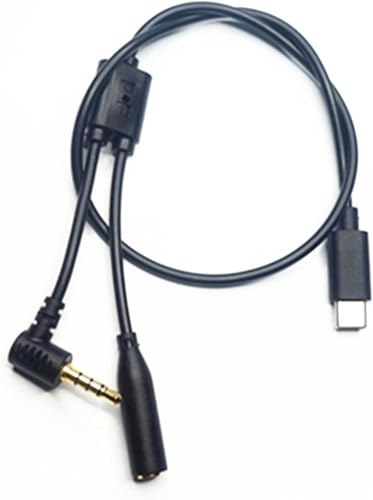
BulletPoint1 : After plugging in the cable, you can directly control the camerawith the DJl stabilizer. No setting
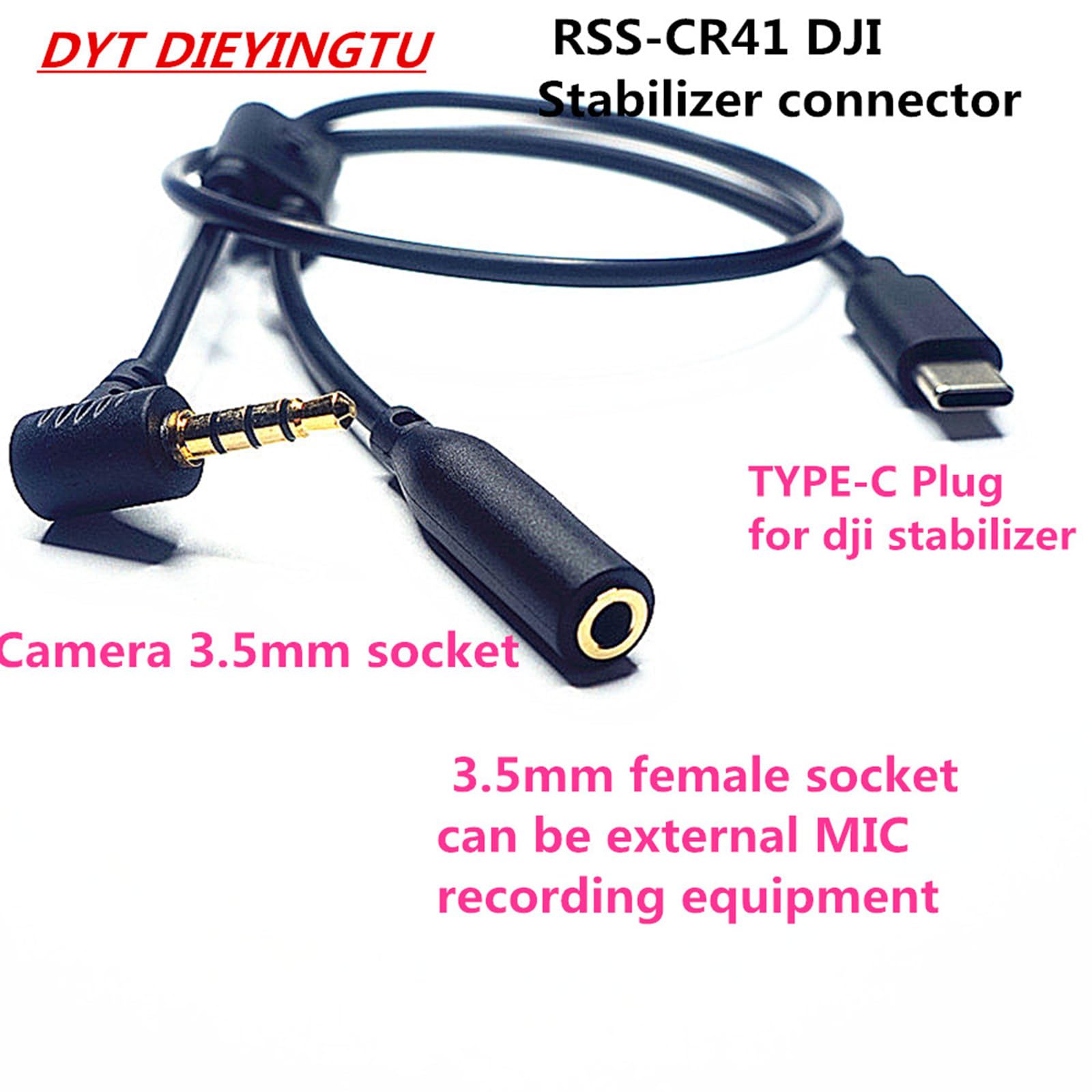
BulletPoint2 : The 3.5mm plug needs to be pushed to the bottom for normalcommunication.The type-c(UsB-C) plug is connected to the RSSport of the DJl
BulletPoint3 : The 3.5mm female head can be used simultaneously with anexternal microphone
BulletPoint4 : How to operate: Tap (half press) the red button on the DJl to focusthe camera. Press the camera for 3 seconds (all the way to thebottom) to take a picture
BulletPoint5 : FP/FPL camera menu can be set "Shutter release button as REC"use DJl to control video actions
Color : Red
ExternallyAssignedProductIdentifier : 6974413519548
IncludedComponents : RSS-CR41*1
ItemName : DYTDIEYINGTU RSS-cr41 R Cable is Suitable for Sigma fp fpl Camera Shutter Cable Connected to DJI Ronin stabilizer Photo and Video Shutter Release Control Cable Connected to rs2 rs3 rs4/ Focus pro
ItemPackageDimensions_Height : 0.4 inches
ItemPackageDimensions_Length : 6.9 inches
ItemPackageDimensions_Width : 4.14 inches
ItemPackageQuantity : 1
ItemTypeKeyword : camera-shutter-release-cords
Manufacturer : DYTDIEYINGTU
ModelName : RSS-CR41
ModelNumber : RSS-CR41
NumberOfItems : 1
PartNumber : RSS-CR41
ProductDescription :
- DJI RSS-CR41 release cable
- 01) Support functions: photos, videos
- 1) Applicable camera model; sigma fp, sigma fpl
- 2) Applicable to DJI stabilizer models :Ronin-sc, Ronin-sc2, Ronin-RS2, RONIN-- RS3,Ronin-RS3 MINI,Ronin-RS3 PRO,Ronin-RS4,Ronin-RS4 PRO, focus pro 3) Use process: Insert USB-C terminal into DJI RSS interface, and insert trrs 3.5mm plug into sigma camera Microphone interface, you can start to control the camera function.
- 4)Control recording Settings; Set the camera - "Shutter Settings" - REC, you can control the recording of video
- 5) The 3.5mm female plug can be connected to the external microphone, and the video and recording can work simultaneously.
- 6) Operation method: Gently press (half press) the red button on the DJl to control the focus of the camera, press (press to the end) to hold Three seconds. - Take the picture
- 7) The plug should be rotated into place to communicate with the stabilizer normally.
ProductSiteLaunchDate : 2024-08-09T07:03:36.121Z
Size : RSS-CR41
SupplierDeclaredDgHzRegulation : not_applicable
UnspscCode : 26121600
