
Cart 2 india


In2Cart
Rs. 0

0


Product Information
Specification
Brand : Zunate
BulletPoint1 : MULTIPLE FILM FORMATS SUPPORTED: This scanner is compatible with various film formats including 135mm, 126mm, 110mm, and Super 8mm color or black and white film or slides, allowing you to digitize a wide range of memories.
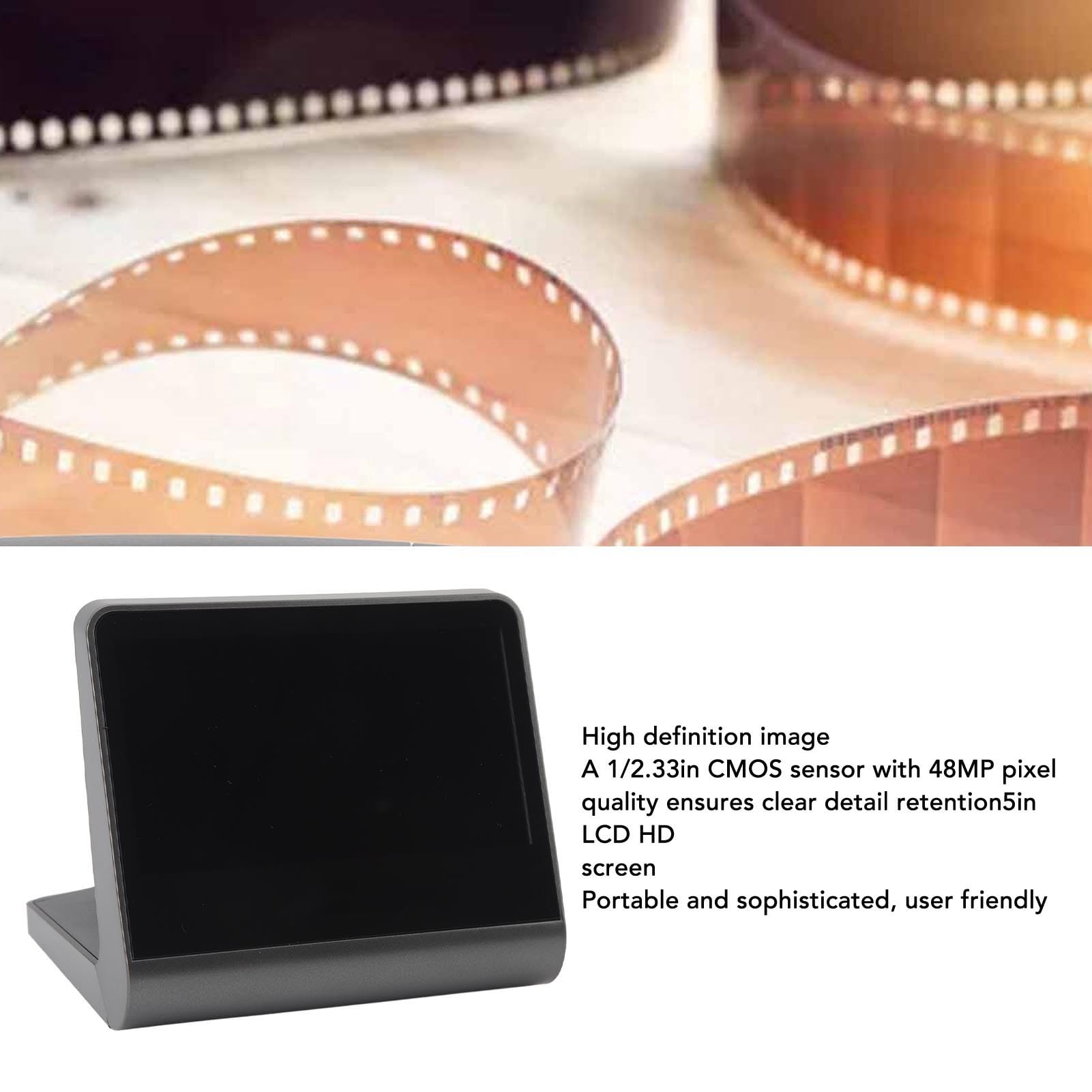
BulletPoint2 : HIGH DEFINITION IMAGE: Equipped with a 1/2.33in CMOS sensor, this scanner captures your films and slides with sharpness and clarity, ensuring every detail is preserved.
BulletPoint3 : 16GB STORAGE: With the built in 16GB memory, you can store a large number of digital images without the need for additional storage devices, providing convenience and peace of mind.
BulletPoint4 : USER FRIENDLY SCREEN: The 5 inch LCD screen allows you to preview and select your images before scanning, ensuring youthe memories you want and saving you time and effort.
BulletPoint5 : EASY Simply place the film in , insert it into the film scanner, and press the snapshot . It takes less than 2 seconds to turn the images from the film into digital photos stored permanently on your computer.
Color : black
CompatibleDevices : PC
ConnectivityTechnology : USB
ConnectorType : connector
InputVoltage : 100 volts
ItemName : Film and Photo Scanner, Large 5in LCD Screen, 48MP High Definition, Converts 135, 126, 110, Super 8mm Films, with 16GB Storage, User Friendly, Easy Operation, System Compatibility
ItemPackageDimensions_Height : 14 centimeters
ItemPackageDimensions_Length : 17 centimeters
ItemPackageDimensions_Width : 16 centimeters
ItemPackageQuantity : 1
ItemTypeKeyword : slide-and-negative-scanners
Manufacturer : Zunate
MediaType1 : Slide
MediaType2 : Photo
MinimumSystemRequirementDescription : Windows 7
ModelName : Zunateinfq4pw5a1
ModelNumber : Zunateinfq4pw5a1
MountingType : Wall Mount
PartNumber : Zunateinfq4pw5a1
PowerSourceType : Corded Electric
ProductDescription : Specification:
Item Type: Film Scanner
Material: ABS
Sensor: 1/2.33in CMOS sensor
Screen Size: 5 inch
Supported Film Type: 135mm, 126mm, 110mm, Super 8mm color or black and white film or slides
Image Effects: Black and white film, negative film, slide film
Storage: Built in 16GB memory
How to Use:
To copy the stored images:
1. Connect the machine using the Type C interface and connect the USB interface to the USB port of the computer.
2. Power on the machine.
3. On the main menu screen, press the keys until the USB appears, then press OK/Enter.
4. Once successfully connected to the computer, you can view and edit the captured photos.
5. After that, you can find the machine's internal memory on your computer. Open it and copy all the images.
Package List:
1 x Film Scanner
1 x Multimedia Interface Cable
1 x Type C Cable
1 x Brush
1 x User Manual
1 x Base
1 x Slide Tray
1 x 110 Base
1 x Super 8 Base
1 x 126 Base
ProductSiteLaunchDate : 2024-01-16T11:12:56.147Z
Resolution : 1080p
ScannerType : Film
SupplierDeclaredDgHzRegulation1 : not_applicable
SupplierDeclaredDgHzRegulation2 : not_applicable
SupplierDeclaredDgHzRegulation3 : not_applicable
SupplierDeclaredDgHzRegulation4 : not_applicable
SupplierDeclaredDgHzRegulation5 : not_applicable
UnspscCode : 43211711
