
Cart 2 india


In2Cart
Rs. 0

0


Product Information
Specification
Brand : BTSEURY
BulletPoint1 : Professional stopwatch timer for referee and match.
BulletPoint2 : Multifunctional sports stopwatch, miracle and record.
BulletPoint3 : Suitable for many places like school, athletic meeting, gym, etc.
BulletPoint4 : Wide use - can be used for various different activities like racing, running, swimming, etc.
BulletPoint5 : Long lifespan - made of superior material, guarantee long service time.
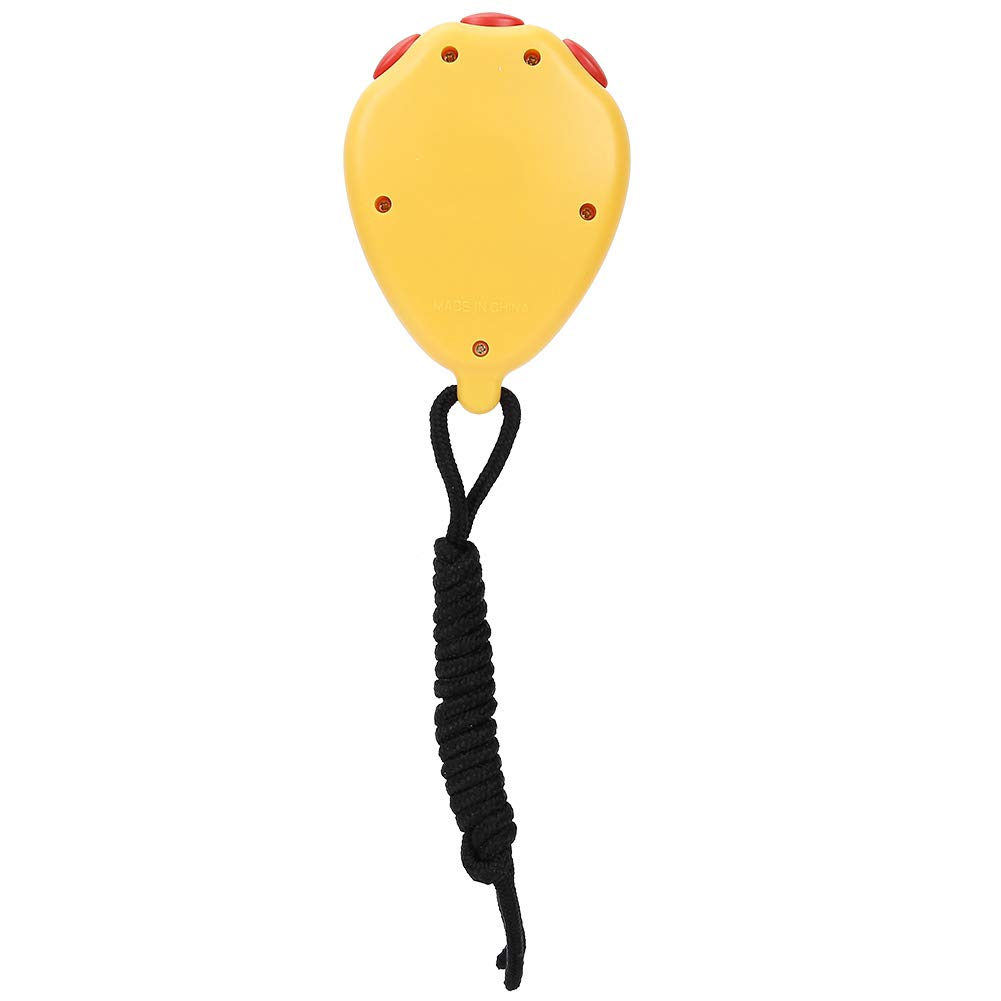
Color : Yellow
ItemName : BTSEURY Athletics Electronic Stopwatch for Professional Sports, Ideal for Racing, Running, Swimming (Yellow)
ItemPackageDimensions_Height : 3 centimeters
ItemPackageDimensions_Length : 10 centimeters
ItemPackageDimensions_Width : 7 centimeters
ItemTypeKeyword : stopwatches
Manufacturer : BTSEURY
Material : Plastic
Material1 : Plastic
Material2 : Acrylic
Material3 : Metal
ModelName : Btseuryxiva3c4keo-01
ModelNumber : BTSEURYxiva3c4keo-01
PartNumber : BTSEURYxiva3c4keo-01
ProductDescription : 1. Professional stopwatch timer for referee and match.
2. Multifunctional sports stopwatch, miracle and record.
3. Suitable for many places like school, athletic meeting, gym, etc.
4. Wide use - can be used for various different activities like racing, running, swimming, etc.
5. Long lifespan - made of superior material, guarantee long service time.
Specifications:
Item: Stopwatch Timer
Material: Plastic
Color: Yellow, Black optional
Suitable: For racing, running, swimming, etc.
Weight: Approx 45g/1.6oz
Size: Approx 6*6*2cm/2.4*2.4*0.8inch
Package list:
1 * Stopwatch Timer
How to Use:
Stopwatch timer: In the normal walking state, press the M key to use the stopwatch to enter the timing state, if the stopwatch display is not zero, press the D key to stop timing, press the S key to reset to zero.
Time, calendar and alarm display: In the normal walking state, press D to display the month, day and week, press S to display the alarm time.
Time and calendar setting: in the normal walking state, press the M button 3 times to enter the time setting state. The seconds and day of the week display flash simultaneously. Press S to select the minute, hour, day, month, week, and second as the adjustment target. After the adjustment is completed, press the M key to return to the normal state.
ProductSiteLaunchDate : 2024-04-03T09:06:42.477Z
UnitCount : 1
UnspscCode : 53000000
