
Cart 2 india


In2Cart
Rs. 0

0


Product Information
Specification
Brand : NYSUZHOUJI
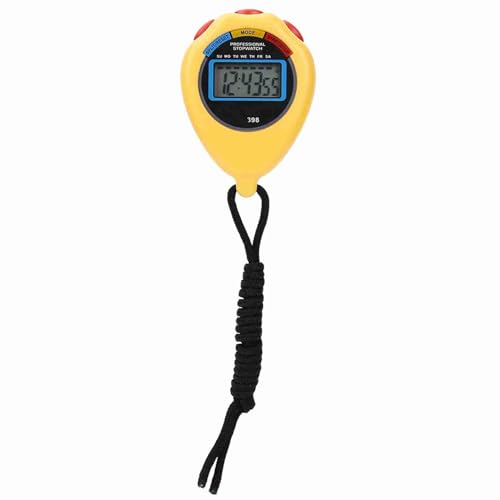
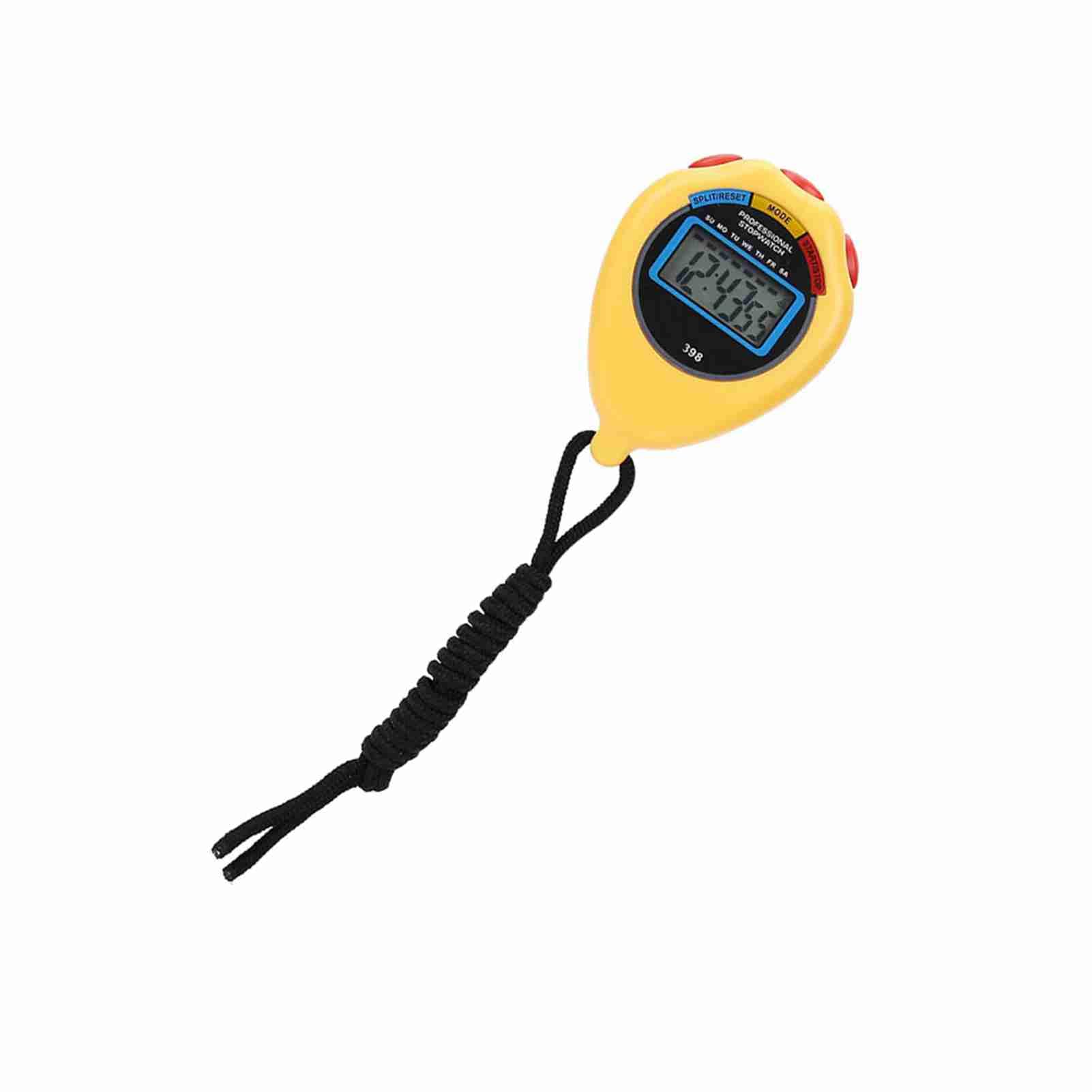
BulletPoint1 : PROFESSIONAL STOPWATCH TIMER: Suitable for referees and matches, ensuring accurate timing.
BulletPoint2 : MULTIFUNCTIONAL SPORTS STOPWATCH: Create your own records and achievements effortlessly.
BulletPoint3 : VERSATILE USAGE: Suitable for school, athletic meetings, gyms, and more for various activities like racing, running, swimming, etc.
BulletPoint4 : STURDY AND LONG LASTING: Made of superior materials for a guaranteed long service life.
BulletPoint5 : RELIABLE PERFORMANCE: Trust in this stopwatch for consistent and precise results during your athletic pursuits.
Color : Yellow
Department : unisex
ImportDesignation : Imported
IncludedComponents1 : 1 workout timer
IncludedComponents2 : 1 USB cable
ItemName : NYSUZHOUJI Professional Sports Timer Multifunctional Electronic Stopwatch Racing Running Swimming for Referee School Black (Yellow)
ItemPackageDimensions_Height : 3 centimeters
ItemPackageDimensions_Length : 10 centimeters
ItemPackageDimensions_Width : 7 centimeters
ItemTypeKeyword : stopwatches
Manufacturer : NYSUZHOUJI
Material : Polypropylene
ModelName : NYSUZHOUJIgpu9w7vqmy-01
ModelNumber : NYSUZHOUJIgpu9w7vqmy-01
NumberOfItems : 1
PartNumber : NYSUZHOUJIgpu9w7vqmy-01
ProductDescription : Specifications:
Item: Stopwatch Timer
Material: Plastic
Color: Yellow, Black optional
Suitable: For racing, running, swimming, etc.
Weight: Approx 45g/1.6oz
Size: Approx 6*6*2cm/2.4*2.4*0.8inch
Package list:
1 * Stopwatch Timer
How to Use:
Stopwatch timer: In the normal walking state, press the M key to use the stopwatch to enter the timing state, if the stopwatch display is not zero, press the D key to stop timing, press the S key to reset to zero.
Time, calendar and alarm display: In the normal walking state, press D to display the month, day and week, press S to display the alarm time.
Time and calendar setting: in the normal walking state, press the M button 3 times to enter the time setting state. The seconds and day of the week display flash simultaneously. Press S to select the minute, hour, day, month, week, and second as the adjustment target. After the adjustment is completed, press the M key to return to the normal state.
Note:All data are measured manually and there is some error in the measurements.Monitors are calibrated differently, the colours shown in the photos may be slightly different from the real thing. Please refer to the real object.
ProductSiteLaunchDate : 2025-06-09T21:50:53.058Z
SupplierDeclaredDgHzRegulation : not_applicable
SupplierDeclaredHasProductIdentifierExemption : 1
WarrantyDescription : Manufacturer warranty for 90 days from date of purchase.
